練習問題8-3-1
ランダムな位置に星を20個つくり、夜空のようにキラキラさせましょう。
Star.js をプロジェクトに入れたうえで、次の雛形の ??? を埋めて完成させなさい。
let stars = [];
function setup() {
  createCanvas(400, 400);
  noStroke();
  for (let i = 0; i < 20; i++){
    let star = new Star(
      random(width),
      random (height),
      random(20, 40), 255, 230, 160
    );
    star.offset = floor(random(60));
    // 明滅のずれ
    stars.push(star)
  }
}
function draw() {
  background(18, 24, 60);
  // すべての星を点滅・表示させる
  for(let i=0; i<stars.length; i++){
  stars[i].blink()
  stars[i].display()
  }
}
まず最初に、問題文を読む能力が低すぎて、どうすればいいのか少し戸惑い、とりあえず星を表示してみようとしたら、大苦戦をし、AIに助けを求めて、どうにかこうにかランダムに星を配置して、それぞれの星を動かすことに成功しました。ですが、AIに聞いたおかげで、クラスの理解が深まったので、いい経験だったと思います。
練習問題8-3-2
練習問題8-3-1 では、星をランダムに置くと偏って見えました。
今度は 6×6 のマス目 を考え、市松模様 になる位置だけに星を置きましょう。
- 色は R=255、G=230 に固定し、B だけ
random(128, 255)にする - 大きさや明滅のずれは 8-3-1 と同様でよい
// Star.js をプロジェクトに入れておく

let stars = [];

function setup() {
  createCanvas(400, 400);
  noStroke();

  let cols = 6;
  let rows = 6;
  let cellW = width / cols;
  let cellH = height / rows;

  for (let row = 0; row < rows; row++) {
    for (let col = 0; col < cols; col++) {
      // 市松の位置だけ、星をつくって配列に入れる(03-05)
      if((col+row)%2==0){
        let star =new Star(cellW*col+cellW/2, cellH*row+cellH/2, 30, 255, 230, random(128, 255))
        star.offset = floor(random(60))
        stars.push(star)
      }
    }
  }
}

function draw() {
  background(18, 24, 60);
  for(let i=0; i<stars.length; i++){
    stars[i].blink()
    stars[i].display()
  }
  // すべての星を点滅・表示させる
}
今までやってきたことを正確に実行し、以前やったことも再現しなければいけなかったので、なかなかに難しかったです。
練習問題8-3-4
例題8-3-3 を改造し、粒が 動く ようにしなさい。まだ消さなくてよいです。
constructorに速さvx/vyを足すthis.vx = random(-1.5, 1.5);this.vy = random(-2.5, -0.5);update()メソッドで、位置をvx/vyだけ動かすdrawのループで、displayの前にupdateを呼ぶ
動かしたあと、少し待ってみましょう。粒が画面にどんどん溜まっていくはずです。
let particles = [];

function setup() {
  createCanvas(400, 400);
  noStroke();
}

function draw() {
  background(18, 24, 60);

  // 毎フレーム、マウス位置に1粒生む
  particles.push(new Particle(mouseX, mouseY));

  // すべての粒を描く

  for (let i = 0; i < particles.length; i++) {
    particles[i].update()
    particles[i].display();
  }
}

class Particle {
  constructor(x, y) {
    this.x = x;
    this.y = y;
    this.size = random(4, 10);
    this.vx = random(-1.5, 1.5);
    this.vy = random(-2.5, -0.5);
  }

  update(){
    this.x+=this.vx
    this.y+=this.vy
  }

  display() {
    fill(255, 230, 160);
    ellipse(this.x, this.y, this.size, this.size);
  }
}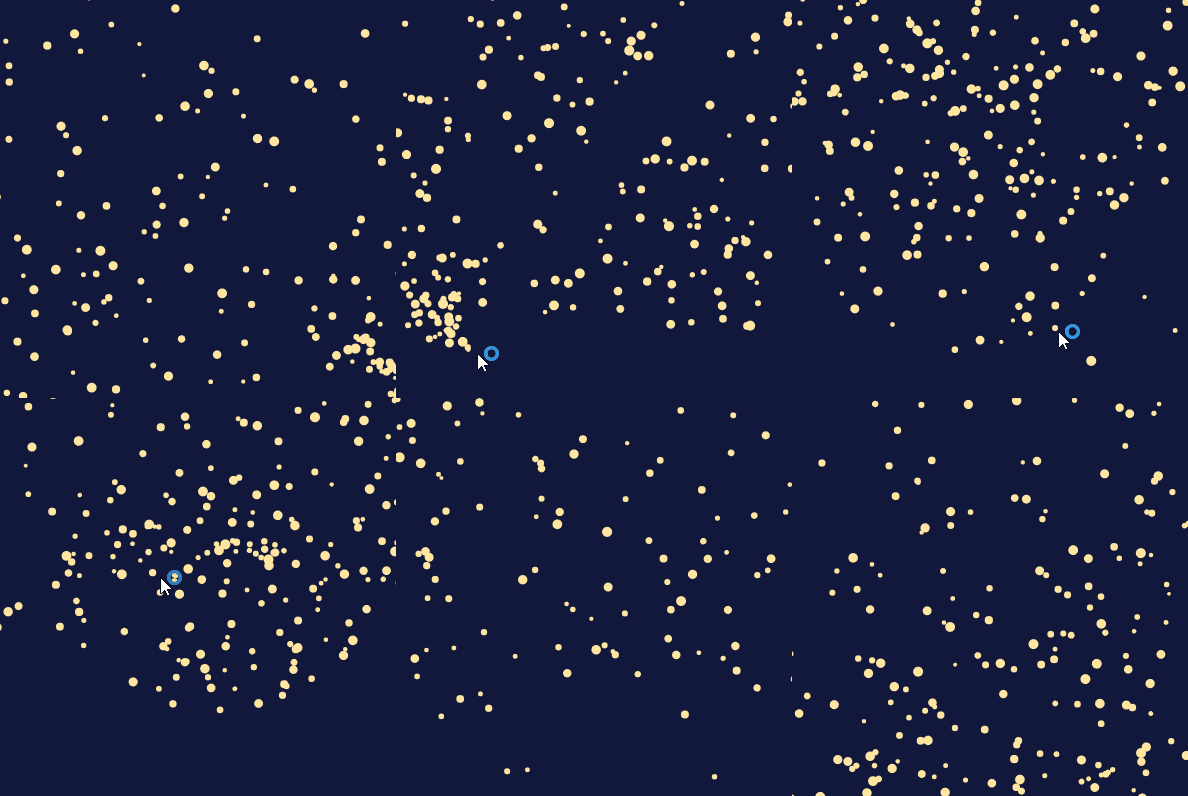
ここまで動きが激しいと見ていて気持ちいです。
練習問題8-3-5
練習問題8-3-4 では、粒が消えないまま増えていきました。
そこで 寿命 を持たせ、尽きた粒は配列から外しましょう。
let particles = [];

function setup() {
  createCanvas(400, 400);
  noStroke();
}

function draw() {
  background(18, 24, 60);

  particles.push(new Particle(mouseX, mouseY));

  // うしろから前へ調べる(なぜかは次の練習問題で考えよう)
  for (let i = particles.length - 1; i >= 0; i--) {
    particles[i].update();
    particles[i].display();
    if (particles[i].isDead()) {
      // 配列から外す(04-02 の splice)
      particles.splice(i, 1)
    }
  }
}

class Particle {
  constructor(x, y) {
    this.x = x;
    this.y = y;
    this.vx = random(-1.5, 1.5);
    this.vy = random(-2.5, -0.5);
    this.life = 255;  // 残り寿命(透明度にも使う)
    this.size = random(4, 10);
  }

  update() {
    this.x += this.vx;
    this.y += this.vy;
    this.life -= 5;
  }

  display() {
    fill(255, 230, 160, this.life);
    ellipse(this.x, this.y, this.size, this.size);
  }

  // 寿命が尽きたか判定(尽きた:true、尽きていない:false)
  isDead() {
    if (this.life<=0) {
      return true;
    } else {
      return false;
    }
  }
}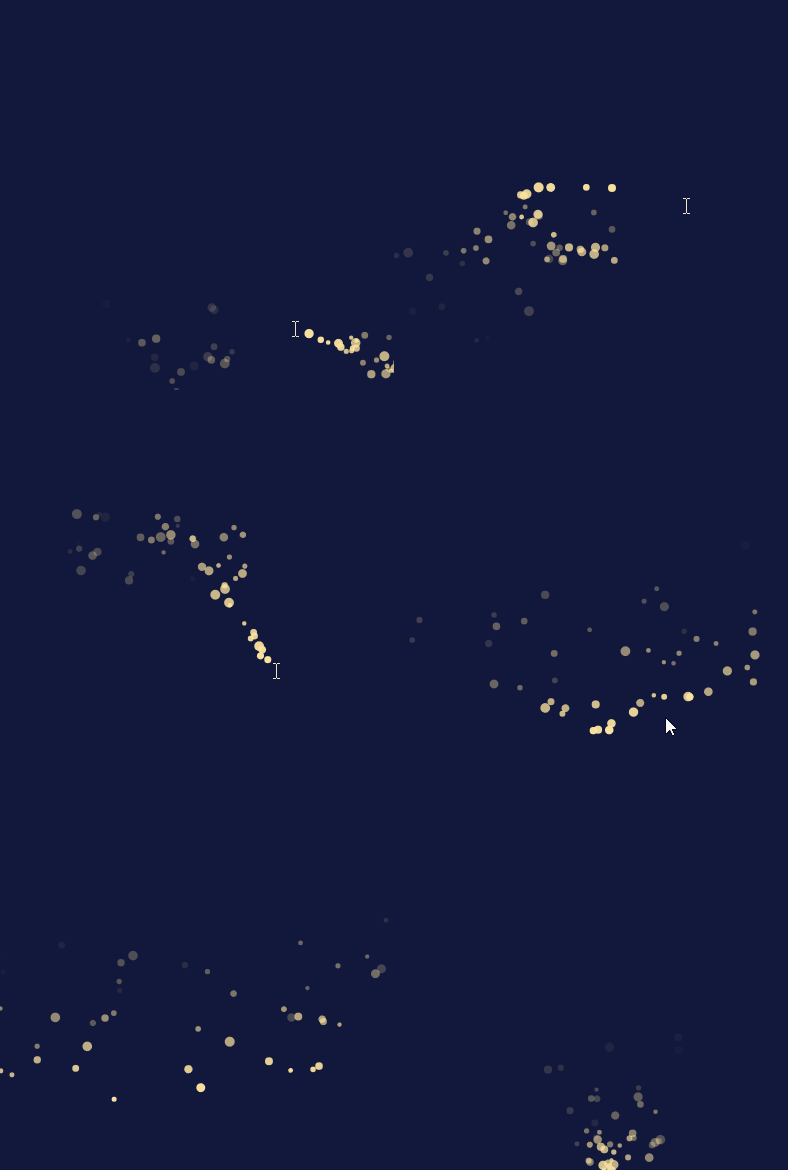
ちゃんと消えているのかは、調べ方がいまいちわからなかったので、ちゃんと消えているかわかりませんが、多分消えていると思います。
練習問題8-3-6
練習問題8-3-5 では、配列を うしろから前へ 調べています。
なぜ前からではなく、うしろから調べるのですか?
具体例を使って自分の言葉で説明し、先生に話しなさい。
(例:粒が3つ並んでいるとき、途中の1つを消すと番号がどうずれるか)
例で表すと、「0,1,2」ということになると思います。
そしてそこから真ん中の0が消えない、1が消えるとなると、2だったものが1になるため、もう一度1を認識しなければいけなくなるが、もう一週回ってくるまで、認識されなくなってしまうと考えました。
それと、増やす方式だとどうなるのか気になったため、足していく方式にしてみましたが、自然に動いているように見えたので、先ほどの仮説は少し信ぴょう性が高くなったと思います。
練習問題8-3-7
練習問題8-3-5 を改造し、次のうち どれか1つ以上 を変えなさい。
- 粒の色
- 飛ぶ速さ(
vx/vy) - 1フレームに生まれる数(8-3-5 では1個。
forで3個や5個まとめてpushすると密度が上がる) - 消える速さ(
lifeの減り方)
let particles = [];

function setup() {
  createCanvas(400, 400);
  noStroke();
}

function draw() {
  background(18, 24, 60);

  for(let i=0; i < 5; i++){
    particles.push(new Particle(mouseX, mouseY));
  }


  // うしろから前へ調べる(なぜかは次の練習問題で考えよう)
  for (let i = particles.length - 1; i >= 0; i--) {
    particles[i].update();
    particles[i].display();
    if (particles[i].isDead()) {
      // 配列から外す(04-02 の splice)
      particles.splice(i, 1)
    }
  }
}

class Particle {
  constructor(x, y) {
    this.x = x;
    this.y = y;
    this.vx = random(-3, 3);
    this.vy = random(-4, -1);
    this.life = 255;  // 残り寿命(透明度にも使う)
    this.size = random(4, 10);
  }

  update() {
    this.x += this.vx;
    this.y += this.vy;
    this.life -= 3;
  }

  display() {
    fill(255, random(255), 160, this.life);
    ellipse(this.x, this.y, this.size, this.size);
  }

  // 寿命が尽きたか判定(尽きた:true、尽きていない:false)
  isDead() {
    if (this.life<=0) {
      return true;
    } else {
      return false;
    }
  }
}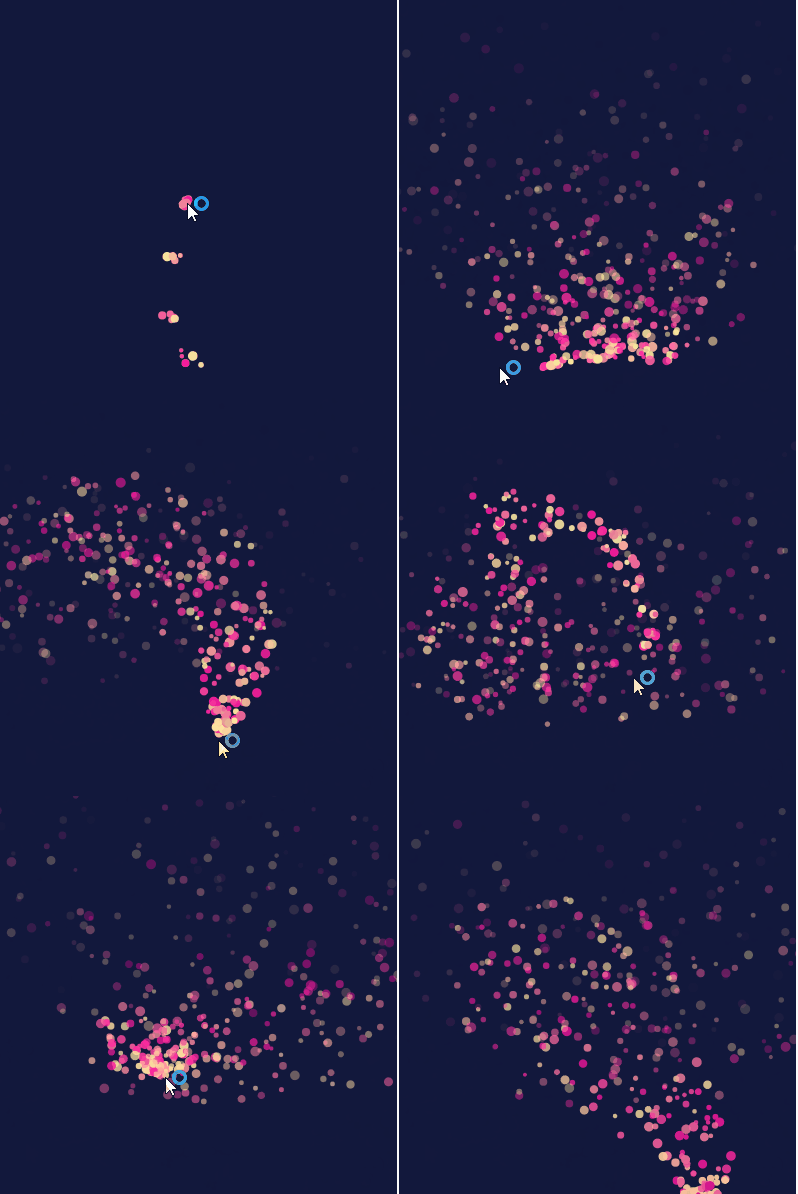
とりあえず書かれていたこと全部変えてみました。とてもきれいな感じになってよかったです。
let particles = [];

function setup() {
  createCanvas(400, 400);
  noStroke();
}

function draw() {
  background(18, 24, 60);

  for (let i = particles.length - 1; i >= 0; i--) {
    particles[i].update();
    particles[i].display();
    if (particles[i].isDead()) {
      particles.splice(i, 1)
    }
  }
}

function mousePressed(){
  let r=random(255);
  let g=random(255);
  let b=random(255);
  for(let i=0; i < 60; i++){
    switch(frameCount%3){
      case 0:
        r = random(255);
        break
      case 1:
        g = random(255);
        break
      case 2:
        b = random(255);
    }
    particles.push(new Particle(mouseX, mouseY, r, g, b));
  }
}

class Particle {
  constructor(x, y, r, g, b) {
    this.x = x;
    this.y = y;
    this.vx = random(-3, 3);
    this.vy = random(-3, 3);
    this.life = 255;
    this.size = random(4, 10);
    this.r = r;
    this.g = g;
    this.b = b;
  }

  update() {
    this.x += this.vx;
    this.y += this.vy;
    this.life -= 3;
  }

  display() {
    fill(this.r, this.g, this.b,this.life);
    ellipse(this.x, this.y, this.size, this.size);
  }

  isDead() {
    if (this.life<=0) {
      return true;
    } else {
      return false;
    }
  }
}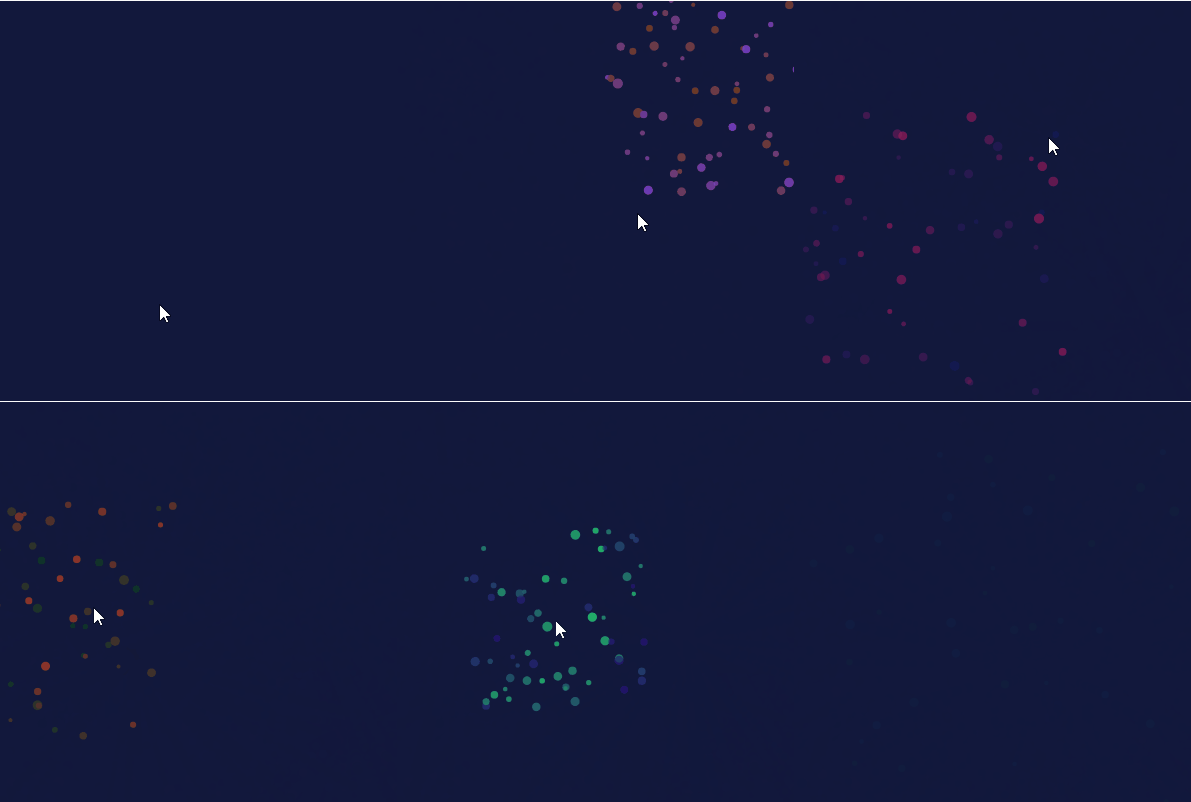
花火作れそうだなと思って作りました。めちゃくちゃ時間かかりました。
特に大変だったのが、一発の花火を似たような色合いにする方法です。RGBの一つだけをランダムにしても、すべての花火が、同じような色になってしまうので、一発ずつ色合いを変えたかったので、結構試行錯誤しました。p5jsで私が作ってきた中で一番の力作です。
ただ、日本の花火のようにきれいな丸は作ることができませんでした。何か方法はあるかもしれませんが、思いつきませんでした。